getclaw — Deploy AI Assistants to Telegram, Slack & Discord

getclaw is an OpenClaw-powered platform that lets founders and teams deploy AI assistants for real business roles. Deploy to Telegram, Slack, or Discord. Choose Claude, GPT, Gemini, or OpenRouter. Start from pre-built personas or build your own. Pricing starts at $20/month.

What is getclaw?

getclaw is a managed platform for deploying AI assistants into messaging channels. You configure an assistant by choosing an AI model, defining a persona, and attaching skills. Then you deploy it to Telegram, Slack, or Discord with a single click. After deployment, you manage the assistant with operational controls: live logs, file editing, access management, and one-click redeployment. getclaw is built on OpenClaw, the open-source AI agent framework with over 247,000 GitHub stars.

Pre-Built AI Assistant Personas — Ready to Deploy

getclaw offers six ready-to-deploy AI assistant personas, each designed for a specific business role:

LinkedIn Influencer
Your LinkedIn ghostwriter. Crafts scroll-stopping hooks, builds authentic thought leadership, and grows your audience with data-backed content strategy.
OpenClaw
Plain OpenClaw for users who want to start from scratch. A flexible blank-slate assistant with a neutral voice and room to define your own workflows.
Sales Representative
Your consultative closer. Writes personalized outreach, qualifies deals with MEDDIC rigor, and handles objections without the hard sell.
Customer Support
Turns frustrated users into loyal fans. Diagnoses issues step-by-step, communicates with empathy, and knows when to escalate.
Software Developer
A pragmatic senior engineer. Writes clean, deletable code, reviews PRs for real bugs, and picks boring tech for critical paths.
Personal Coach
An evidence-based thinking partner. Uses behavioral science to set SMART goals, design sticky habits, and keep you accountable week over week.

Key Features

Multi-Channel Deployment
Deploy a single assistant to Telegram, Slack, or Discord. Users interact with your assistant natively in the channels they already use.
Model Flexibility
Choose Claude (Anthropic), GPT (OpenAI), Gemini (Google), or any model on OpenRouter. Bring your own API key for cost control.
OpenClaw Skills and Tools
Extend your assistant with skills, tools, and plugins from the OpenClaw ecosystem. Add capabilities without writing code.
Persistent Memory
Assistants retain context across conversations and sessions. A customer who messages on Monday remembers the conversation on Friday.
Heartbeat Workflows
Schedule proactive tasks: daily news digests, weekly reports, follow-up reminders, competitor monitoring. Assistants act without waiting for user prompts.
Post-Launch Controls
Stream live logs, edit configuration files, manage team access, and redeploy — from the web dashboard or REST API.
Email Inbox
Every assistant gets an email inbox with 100 free emails per month included. Receive, read, and respond to emails as part of assistant workflows.
Unlimited Web Search
Assistants can search the web in real time to find current information, answer questions, and enrich conversations — unlimited, included in every plan.

How to Deploy an AI Assistant with getclaw

  1. Choose a persona or create your own. Select from six pre-built roles or configure a custom assistant with your own system prompt.
  2. Select your AI model. Choose Claude, GPT, Gemini, or any OpenRouter model. Bring your own API key or use the Managed plan.
  3. Connect your messaging channel. Add your Telegram bot token, Slack workspace, or Discord server.
  4. Configure memory, heartbeat, and skills. Enable persistent memory, set up proactive workflows, and attach OpenClaw skills.
  5. Deploy and manage. Click deploy. Your assistant goes live on Cloudflare Workers with zero cold starts. Monitor with live logs and redeploy anytime.

getclaw Pricing

getclaw Starter plan: $20/month (bring your own API key). Managed plan: $25/month (AI credits included). Both plans include all features: multi-channel deployment, memory, heartbeat, skills, logs, and post-launch controls.

getclaw vs Commercial AI Platforms (Cost Comparison)

Commercial platforms like Intercom charge $0.99+ per AI resolution. At 2,000 conversations per month, that costs $24,000 per year. getclaw charges $20-$25/month flat; you pay only AI model API costs ($0.01-$0.05 per message), totaling $240-$1,200 per year for the same volume. That is a savings of $10,000 to $25,000 per year.

Example Use Cases

Support Inbox Assistant
Triages questions, drafts replies, finds context from knowledge base, and escalates edge cases to human agents.
Founder Research Assistant
Tracks competitors, summarizes industry changes, and prepares meeting briefs with daily or weekly heartbeat workflows.
Revenue Follow-Up Assistant
Keeps lead follow-up moving, stores buyer context across conversations, and sends timely reminders to the sales team.
PM Delivery Assistant
Turns project updates into summaries, nudges task owners, and keeps delivery rituals alive with recurring reports.

Technical Architecture

getclaw is built on OpenClaw and deployed on Cloudflare Workers. Every assistant runs in its own isolated execution environment with AES-256-GCM encrypted API key storage. The platform provides a REST API for programmatic lifecycle management, zero cold starts, and 24/7 uptime on Cloudflare's global edge network.

The easiest way to deploy and manage OpenClaw.

Trusted by experts.
Used by the leaders.

Nvidia LogoSupabase LogoOpenAI Logo
Lovable
Vercel LogoGitHub LogoClaude AI LogoGoogle LogoNvidia LogoSupabase LogoOpenAI Logo
Lovable
Vercel LogoGitHub LogoClaude AI LogoGoogle Logo

Meet getclaw

We handle the hard part.

Skip the servers, keys, and config. Get a fully managed AI assistant ready to work.

Traditional method
  • Purchase and configure a virtual machine15 min
  • Create and secure SSH keys10 min
  • Connect and harden server access5 min
  • Install runtime dependencies (Node.js, tooling)5 min
  • Set up deployment runtime and environment10 min
  • Configure AI provider credentials4 min
  • Wire up messaging bot integrations4 min
  • Test and debug end-to-end7 min
  • Set up essential skills and integrations1 day
Total1 day+

If you're non-technical, this usually takes much longer because each step has a learning curve.

GetClaw

<5 min

GetClaw handles provisioning, runtime, and secure deployment for you. Your assistant is live on a global edge with encrypted secrets and isolated execution.

  • Your own OpenClaw instance
  • Regular OpenClaw version upgrades
  • Most sought-after skills pre-configured
  • No server setup or SSH work
  • No CI/CD pipeline configuration
  • No infra maintenance after launch

Skills & Integrations

What getclaw adds on top of your OpenClaw instance

These are the extra surfaces getclaw gives your operator to enable any automation from day one.

Slack, Telegram, Discord

  • One assistant, multiple channels
  • Native presence where conversations already happen

Email inbox

  • Read, reply, and compose in context
  • Useful for customers, partners, and approvals

Built-in browser

  • Click through live sites and forms
  • Turn browser work into delegated execution

Unlimited search

  • Live research with no quota anxiety
  • Bring current information into decisions fast
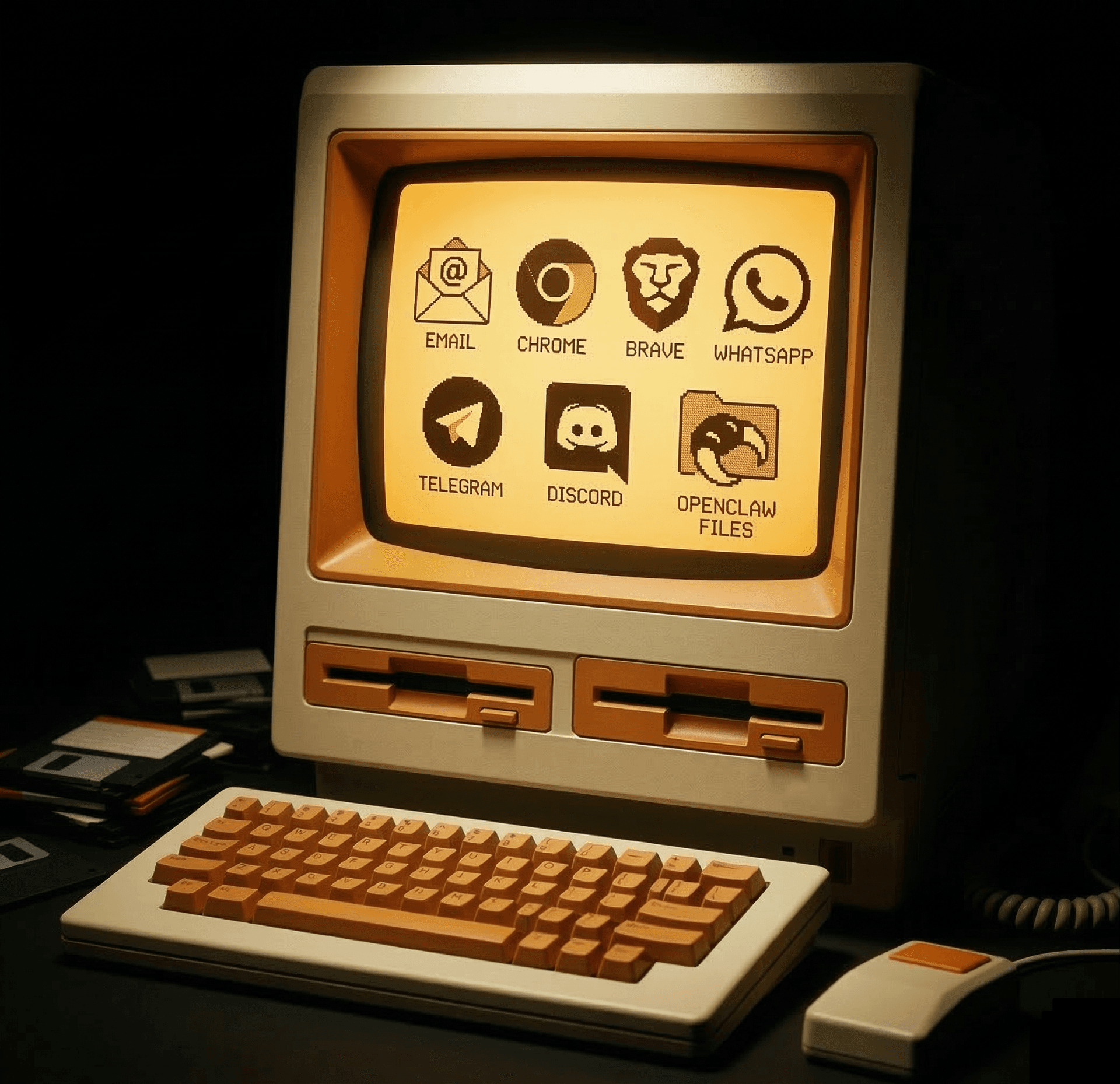
Retro computer displaying email, Chrome, Brave, WhatsApp, Telegram, Discord, and OpenClaw Files icons.

Security

Every assistant gets its own security boundary

The setup is opinionated on purpose: isolate the runtime, encrypt the secrets, and keep admin access behind real gates.

Isolated runtime

Each assistant gets its own Cloudflare Worker and container sandbox instead of sharing one long-running app server.

Encrypted secrets

API keys and bot tokens are encrypted with AES-256-GCM before storage and only decrypted during deploy and runtime operations.

Scoped access

Admin routes sit behind Cloudflare Access, while server-to-server control flows use gateway-token authentication.

Separated state

Assistant state is split into per-assistant storage and database boundaries rather than pooled into one shared namespace.

Isolated on Cloudflare

Zero Trust Access

Identity-scoped access control

Cloudflare Workers

Dedicated edge compute

Container Sandbox

Isolated runtime environment

R2 Storage

Per-assistant object storage

Durable Objects

Per-assistant SQLite database

AES-256-GCM encrypted at rest

AI Consulting

Need help turning AI into leverage?

Get a clear AI plan, the right OpenClaw setup, and workflows that actually move the needle.

Notion, Slack, AgentMail.to, Gmail, Google Calendar, Google Drive, Figma, HubSpot, Zoom, Strava, Dropbox, and Apollo.io.

We have done it all.

AI strategy & roadmap

  • A clear, actionable plan tailored to your business
  • Find the highest-ROI automation opportunities fast

Team enablement & training

  • Get your team confident with AI agents in days, not months
  • Hands-on workshops built around your actual tools

Automate your life

  • Connect OpenClaw to your everyday tools so it handles the busywork for you
  • Emails, scheduling, follow-ups, reporting: all running on autopilot

Custom AI operating system

  • Build the internal system that makes your team 10x faster
  • Integrate AI deeply into your stack, not just a chatbot

What's new

Fresh off the line

The latest product changes, straight from the changelog.

Mar 15, 2026

Messaging controls in one place + OpenClaw 2026.3.13

You can now manage Telegram, Slack, Discord, and Email from a dedicated Messaging tab. Managed assistants also move onto OpenClaw 2026.3.13, bringing the recent browser, email, and search improvements into the hosted runtime with a safer startup path.

Mar 12, 2026

Unlimited search for all users

Search is now available for all users with no usage cap. If you already have assistants running, just redeploy your instances to pick up the new feature.

Start with a real role

Put an operator to work

Jump straight into setup and configure the assistant in onboarding.